TL;DR: The era of typing into chatbots is ending. AI agents that act autonomously are the real shift in 2026. This guide shows three ready-to-deploy workflow blueprints (marketing, operations, compliance) and how TalentedAtAI itself was built using agentic tools like Cursor and Zapier.
Wait. Don't just read that headline. If your standard workflow for creating content or analyzing data still involves opening an LLM interface, typing a prompt, waiting for the output, copying it, and pasting it somewhere else — you are working too hard.
The era of "The Prompt" is ending. Welcome to the era of "The Agent."
Here at TalentedAtAI, our entire thesis is exploring the practical application of emerging AI tools. We aren't interested in theoretical hype. We are interested in what works. And right now, the biggest shift in productivity, creativity, and development is Agentic AI.
This article is a practical guide to how we use 2026's technology, from local Mac Mini setups to advanced coding agents like Cursor, to build this very platform.
If you are ready to stop chatting with AI and start building with it, this is your blueprint.
1. What is an "AI Agent" (and Why 2026 is Different)
In 2024, if you wanted an analysis of a spreadsheet, you uploaded the file to a chatbot and asked a specific question. It was passive. It required you to define the goal and verify the output.
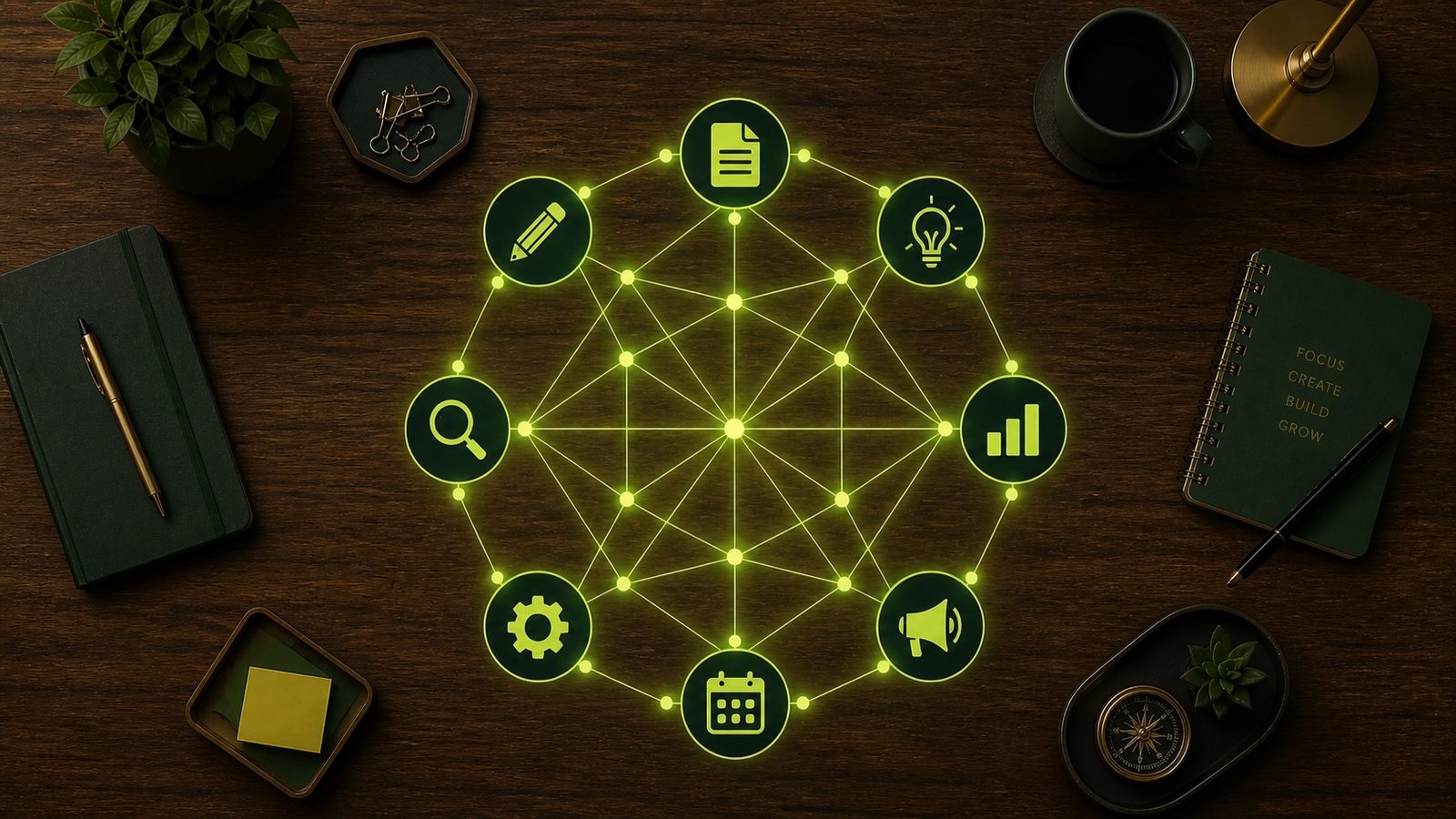
In 2026, an AI Agent is an autonomous assistant. It doesn't just process data — it uses tools. It can browse the web, execute code, access specific databases, and manipulate software applications on your behalf to achieve a broad, high-level goal.
An agent doesn't wait for you to ask the next question. It receives an objective ("Create a 1,000-word SEO-optimized article on AI agents") and creates its own step-by-step plan:
- Search: It uses Perplexity or a Google Agent to research the topic.
- Compare: It identifies relevant keywords and current trends.
- Draft: It writes the structure.
- Refine: It executes a separate "review" pass for tone and readability.
- Output: It places the finished draft directly into your CMS for review.
This is the shift from a "Human-in-the-Loop" (HITL) model to a "Human-ON-the-Loop" (HOTL) model. You aren't doing the work. You are managing the agent doing the work.
2. Case Study: The Agentic Creation of TalentedAtAI
We didn't just write about this trend. We used it. This entire website was built with agentic workflows. Here is how we did it.
Step 1: The Local Nerve Center
We configured an M4 Mac Mini, the 2026 budget powerhouse for local inference, to act as a secure agentic lab. The goal: to build talentedatai.com without exposing sensitive data to the cloud.
Step 2: Vibe Coding the Backend with Cursor
We didn't write a single line of raw code manually. We used Cursor, an AI-first editor that uses internal agents.
In our project, we used Cursor's agentic mode with a single prompt:
"Build a lightweight, performant site that prioritizes quick page loads, mobile-first design, and automatically renders a dynamic AI Tools gallery."
Cursor's agent didn't just suggest code. It created the file structure, wrote the logic, implemented the CSS, and debugged a conflicting script error, all in one pass. It acted as an autonomous senior developer.
Step 3: Creating This Article with an Agentic Chain
We created even this article using a hybrid agentic workflow:
- Research Agent: An autonomous browser agent researched the top AI productivity keywords for Q2 2026.
- Ideation Agent: A second agent took that research and generated five unique article angles.
- Drafting: The chosen angle was refined into this final piece.
The key takeaway? We didn't do the initial heavy lifting. Our agents did, allowing us to focus on strategy, tone, and editorial direction.
3. Your 2026 Agentic Workflow Blueprint
You don't need to be building a website to use agents. Here are three common business workflows you can automate today.
A. The Automated Lead Sniper (Marketing Agent)
Goal: Identify and qualify 10 new high-value leads every morning.
- A Zapier Agent monitors new LinkedIn posts containing specific keywords like "looking for AI consultant."
- When a post is found, the agent gathers the company name and founder info automatically.
- A secondary agent analyzes the company website and scores it against your target avatar.
- If the score is high, it sends the lead's details and a pre-drafted email to your CRM for review.
Tools: Zapier Agents, LinkedIn Sales Navigator, HubSpot.
B. The Executive Summary Dashboard (Operations Agent)
Goal: Send a daily summary of critical metrics directly to Slack.
- An agent connects to Google Analytics 4, Gmail, and your project management tool.
- At 5:00 PM it asks GA4 for unusual traffic spikes, Gmail for urgent customer messages, and Asana for overdue tasks.
- It synthesizes everything into a 5-bullet summary and posts it to a dedicated Slack channel.
Tools: ChatGPT Plus with plugins, or a custom agent framework.
C. The Local Compliance Agent (HR/Operations)
Goal: Review contract drafts against local labor laws without data leaving your machine.
- You initialize a local agent on your Mac Mini with the latest labor regulations for your jurisdiction.
- You drop a contract PDF into a watched folder.
- The agent reads the contract, compares it to the regulations, and highlights clauses that may need review.
- It outputs a summary of findings to your desktop.
Tools: Ollama for local model serving, Python, private database.
4. Tools for Building AI Agents in 2026: A Practical Comparison
One of the hardest parts of getting started with agents is choosing the right tool. The options have expanded rapidly, and different tools suit different skill levels and use cases. Here's how the main options compare.
Zapier Agents is the most accessible entry point for non-developers. You describe what you want your agent to do in plain English, and Zapier builds the workflow. It connects to over 6,000 apps (CRMs, email platforms, project management tools, spreadsheets) and handles the authentication and data mapping automatically. The limitation is that Zapier agents operate within Zapier's workflow structure, which means they're excellent at predictable, rule-based sequences but less capable of open-ended tasks that require judgment. Best for: business professionals who want to automate repetitive multi-step workflows without writing code.
ChatGPT with Plugins and GPTs offers a middle ground. You can create custom GPTs that combine specific instructions, knowledge bases, and tool access into a reusable agent. The plugin ecosystem extends what these agents can reach: web browsing, code execution, third-party APIs. The learning curve is manageable for non-developers, but the agents are constrained to operating within a conversation context. Best for: individuals and small teams who want task-specific agents that run on demand.
Claude with Projects and Tool Use is particularly strong for agents that need to reason across long documents or handle tasks requiring careful, multi-step thinking. Claude's larger context window means your agent can hold more information in working memory, which matters for complex workflows like contract analysis or research synthesis. Best for: knowledge workers building agents around document-heavy or reasoning-heavy tasks.
Cursor and Agentic IDEs are for developers or teams with developer support. Cursor's agentic mode can plan and execute entire coding projects, but it also extends to general automation. Anything that can be scripted, Cursor can help you build. The payoff is higher, but so is the learning curve. Best for: developers building custom automation that doesn't fit neatly into no-code platforms.
LangChain and CrewAI sit at the technical end of the spectrum. These are open-source frameworks for building multi-agent systems from scratch: multiple agents that collaborate, delegate tasks to each other, and coordinate around complex goals. If you're building something production-grade that needs to handle edge cases, fail gracefully, and scale, these frameworks give you the control to do it. Best for: technical teams building enterprise-grade agent systems.
5. Common Pitfalls (And How to Avoid Them)
Having built and tested dozens of agent workflows, here are the mistakes we see most often.
Starting too ambitiously. The temptation is to automate an entire complex workflow on day one. Resist it. Start with a single, well-defined task: one agent, one trigger, one output. Get that working reliably before chaining multiple agents together. A lead qualification agent that works perfectly is more valuable than a twelve-step automation pipeline that breaks unpredictably.
Not defining success criteria. Before you build an agent workflow, decide what "working correctly" looks like. How will you know if the lead scoring is accurate? How will you verify the summary is complete? Without clear criteria, you end up with agents that produce output that looks right but hasn't actually been validated.
Ignoring error handling. Agents fail. APIs time out, data arrives in unexpected formats, and edge cases that seemed unlikely happen every week. Build in fallbacks: if the agent can't complete a step, what should it do? Alert you? Skip the step? Retry? The difference between a useful agent and a frustrating one is often just thoughtful error handling.
Over-trusting the output. This is the most dangerous pitfall. Agents produce confident, well-formatted output regardless of whether it's accurate. A compliance agent that misreads a clause in a contract is worse than not having one, because the professional formatting creates false confidence. Always review agent output for high-stakes decisions, and build review checkpoints into your workflows.
Not measuring the time savings. Automation has a setup cost. If you spend eight hours building an agent workflow that saves you ten minutes a week, the maths doesn't work for two years. Track the time you spend building and maintaining agents against the time they save. Focus on workflows you run daily or weekly, not monthly tasks that might be faster to do manually.
6. Getting Started: Your First Agent in 30 Minutes
If you've read this far and want to build your first agent today, here's a step-by-step path that takes about thirty minutes.
Step 1: Pick one repetitive task. Choose something you do at least three times a week that follows a predictable pattern. Examples: summarising meeting notes into action items, researching a company before a sales call, formatting data from one tool into another.
Step 2: Choose your tool. If you're non-technical, start with Zapier Agents. If you're comfortable with AI chat interfaces, use ChatGPT's custom GPT builder or Claude Projects. If you can write basic code (or are willing to let an AI write it for you), try Cursor.
Step 3: Define the input and output. What does the agent receive? (A meeting transcript, a company name, a spreadsheet.) What should it produce? (A bulleted summary, a research brief, a formatted report.) Be as specific as possible.
Step 4: Build the simplest version. Don't try to handle every edge case on the first pass. Build an agent that handles the most common scenario correctly. Test it with three real examples from your recent work.
Step 5: Iterate based on real use. Run the agent for a week on actual tasks. Note where it fails, where the output needs editing, and where it surprises you by being better than expected. Refine the instructions, add error handling, and expand the scope gradually.
The most important thing is to start with something concrete and small. You can always expand later. You can't learn by reading. You learn by building.
Conclusion: Stop Asking. Start Directing.
In 2026, the competitive advantage is no longer about who can write the best prompt. It's about who can architect the best agentic systems.
The era of "The Prompt" was about efficiency — doing the same work faster. The era of "The Agent" is about doing work that wasn't even possible before.
Ready to start? Your first task: identify one multi-step process in your business that you do every single day. That is your first target for automation.
If you're evaluating tools for your workflow, our roundup of the best AI video generators in 2026 covers the top options for content production.
Start building your team. They aren't people. They are agents.